Set up Quarkus in Codespace environment
Setup
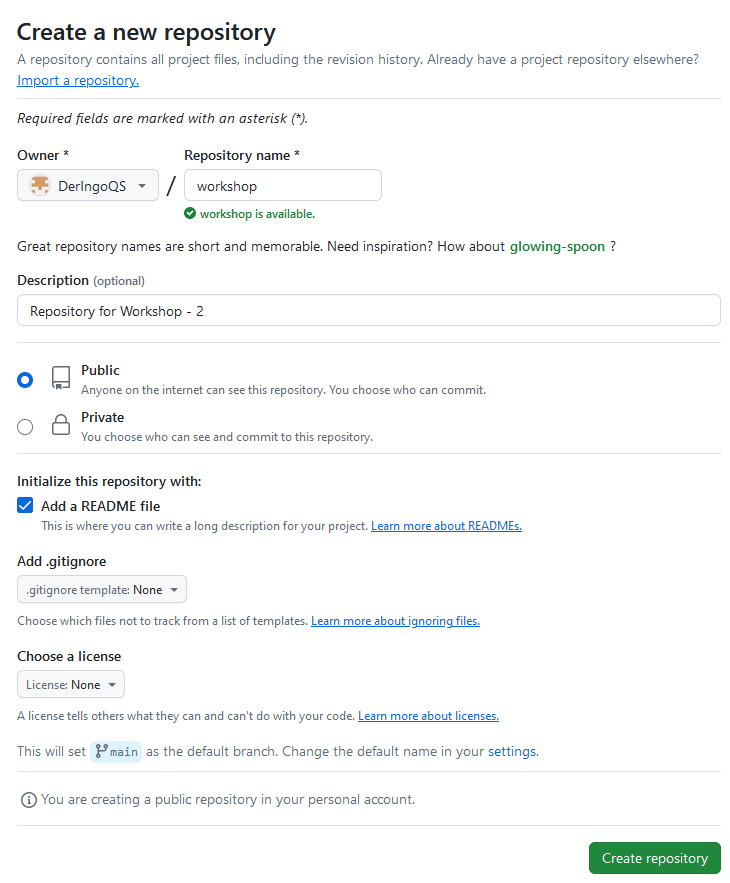
Create a repository “workshop”:
Open codespace and setup Linux in Terminal:
sudo apt update && \
sudo apt upgrade -y && \
sudo apt install httpie -y
Setup Quarkus Project
Getting started → 4. Bootstrapping the project → Maven
copy and change ArtifactId to workshop
cd ..
# pwd -> /workspaces
mvn io.quarkus.platform:quarkus-maven-plugin:3.10.2:create \
    -DprojectGroupId=org.acme \
    -DprojectArtifactId=workshop
We can not just delete the workshop folder, because GIT information are inside this folder.
Workaround:
cd /workspaces/workshop/

mvn io.quarkus.platform:quarkus-maven-plugin:3.10.2:create \
    -DprojectGroupId=org.acme \
    -DprojectArtifactId=workshop

mv workshop/* .
ls -lisah workshop/
# hidden files/directory still there
mv workshop/.* .
ls -lisah workshop/
# now everthing has moved
rmdir workshop
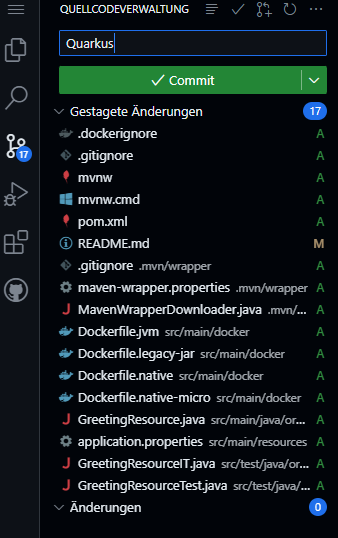
Stage, commit and push to repository:
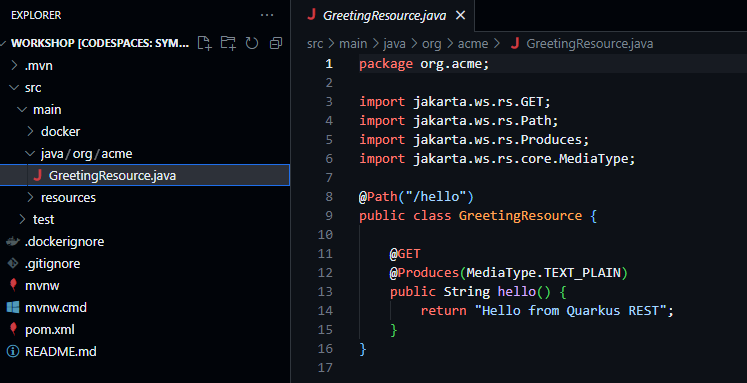
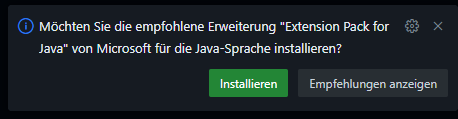
Open GreetingResource, this will force Visual Code to ask to install Extension Pack for Java:
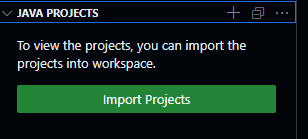
Go to Explorer → Java Projects → Import Projects
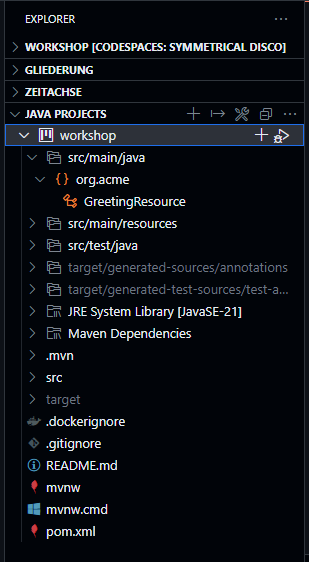
It takes a minute or two to show our workshop project:
Start Quarkus
./mvnw quarkus:dev

In Ports Port 5005 is automatically added, but not Port 8080.

We need to add Port 8080 manually.

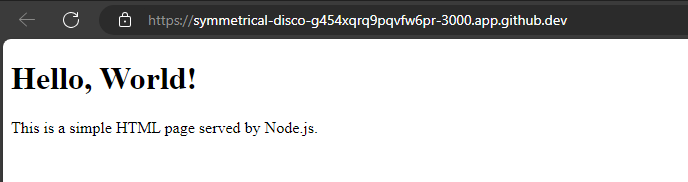
Click on the Globus Icon and Quarkus welcome page opens:
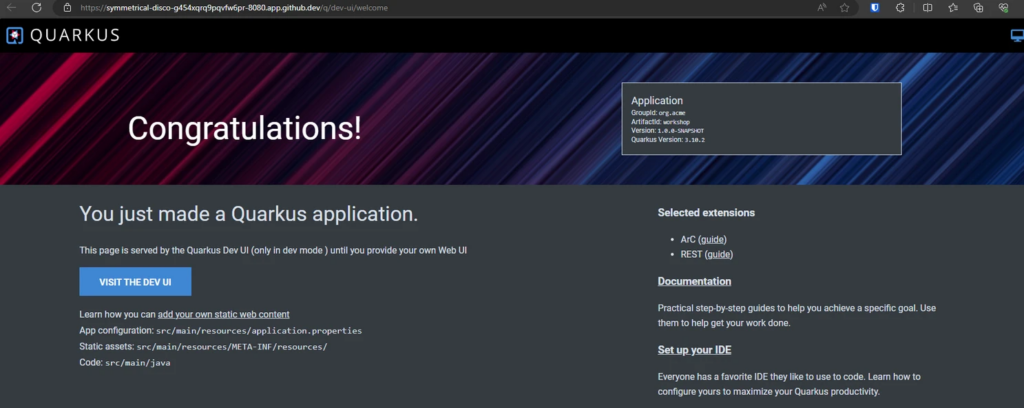
Go to Visit the dev UI → Endpoints
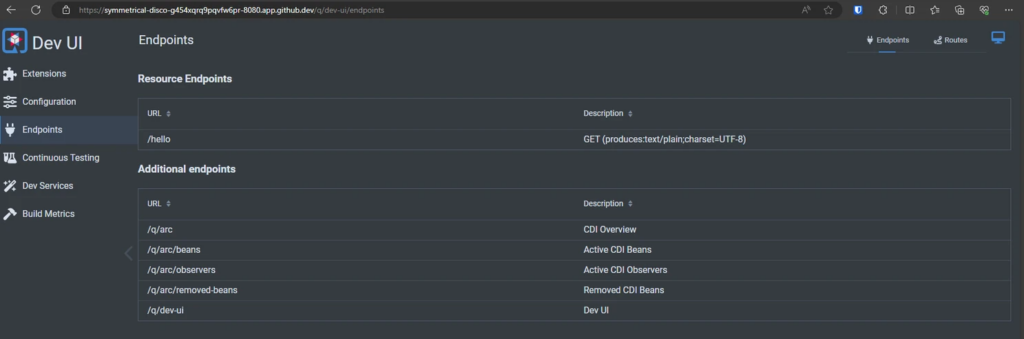
Click on /hello:

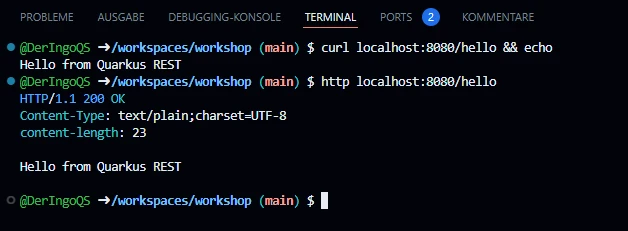
Test from terminal
Open new Terminal
## "&& echo" for additional linebreak
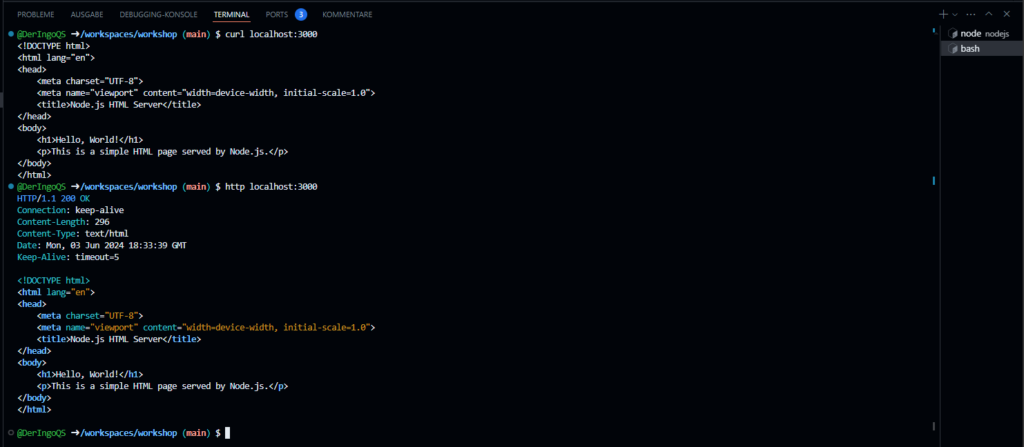
curl localhost:8080/hello && echo
http localhost:8080/hello
WebSockets with Quarkus
Quarkus Guide for using WebSockets
Setup ChatSocket
First we need to install extensions:
./mvnw quarkus:add-extension -Dextensions='websockets'
./mvnw quarkus:add-extension -Dextensions='websockets-next'
Create simple ChatSocket:
package org.acme;

import io.quarkus.websockets.next.OnTextMessage;
import io.quarkus.websockets.next.WebSocket;

@WebSocket(path = "/chatsocket")
public class ChatSocket {
    @OnTextMessage
    public String onMessage(String userMessage){
        return "You said: " + userMessage;
    }
}
Test from terminal
npm install -g wscat
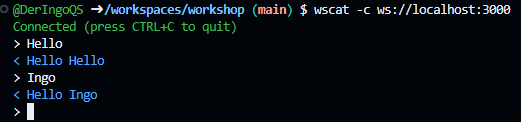
wscat -c ws://localhost:8080/chatsocket

wscat -c ws://localhost:8080/chatsocket
> Hello World!
< You said: Hello World!
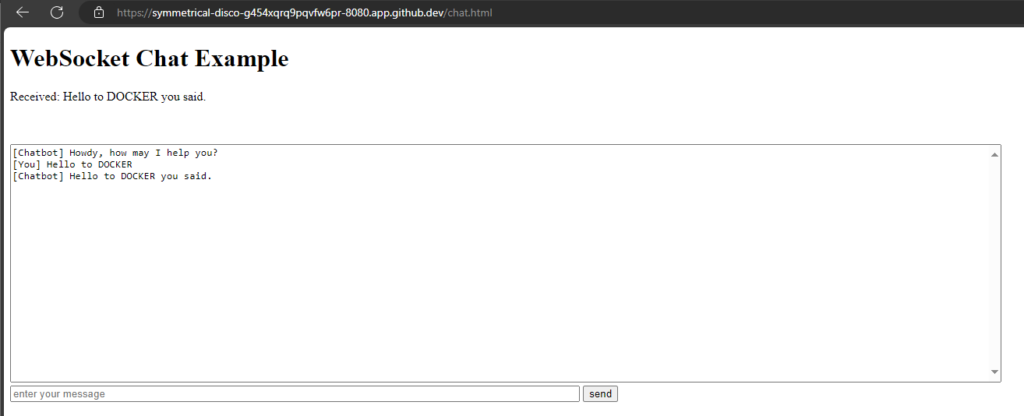
Build html client
mkdir -p src/main/resources/META-INF/resources
touch src/main/resources/META-INF/resources/chat.html
<!DOCTYPE html>
<html lang="en">
<head>
    <meta charset="UTF-8">
    <meta name="viewport" content="width=device-width, initial-scale=1.0">
    <title>WebSocket Chat Example</title>
    <style>
        #chat {
            resize: none;
            overflow: hidden;
            min-width: 70%;
            min-height: 300px;
            max-height: 300px;
            overflow-y: scroll;
        }
        #msg {
            min-width: 40%;
        }
    </style>
</head>
<body>
    <h1>WebSocket Chat Example</h1>
    <p id="message">Connecting...</p>
    <br/>
    <div class="container">
        <br/>
        <div class="row">
            <textarea id="chat"></textarea>
        </div>
        <div class="row">
            <input id="msg" type="text" placeholder="enter your message">
            <button id="send" type="button" disabled>send</button>
        </div>

    </div>

    <script src="https://cdnjs.cloudflare.com/ajax/libs/jquery/3.7.1/jquery.min.js"></script>
    <script>
        var connected = false;
        var socket;

        $( document ).ready(function() {
            connect();
            $("#send").click(sendMessage);

            $("#name").keypress(function(event){
                if(event.keyCode == 13 || event.which == 13) {
                    connect();
                }
            });

            $("#msg").keypress(function(event) {
                if(event.keyCode == 13 || event.which == 13) {
                    sendMessage();
                }
            });

            $("#chat").change(function() {
                scrollToBottom();
            });

            $("#name").focus();
        });

        var connect = function() {
            if (! connected) {
                socket = new WebSocket('wss://' + location.host + '/chatsocket');
                socket.onopen = function(m) {
                    connected = true;
                    console.log("Connected to the web socket");
                    $("#send").attr("disabled", false);
                    $("#connect").attr("disabled", true);
                    $("#name").attr("disabled", true);
                    $("#chat").append("[Chatbot] Howdy, how may I help you? \n");
                    $("#msg").focus();
                    $("#message").text('Connected');
                };
                socket.onmessage = function(m) {
                    console.log("Got message: " + m.data);
                    $("#message").text('Received: ' + m.data);
                    $("#chat").append("[Chatbot] " + m.data + "\n");
                    scrollToBottom();
                };
                socket.onclose = function(event) {
                    console.log("Disconnected");
                    $("#message").text('Disconnected');
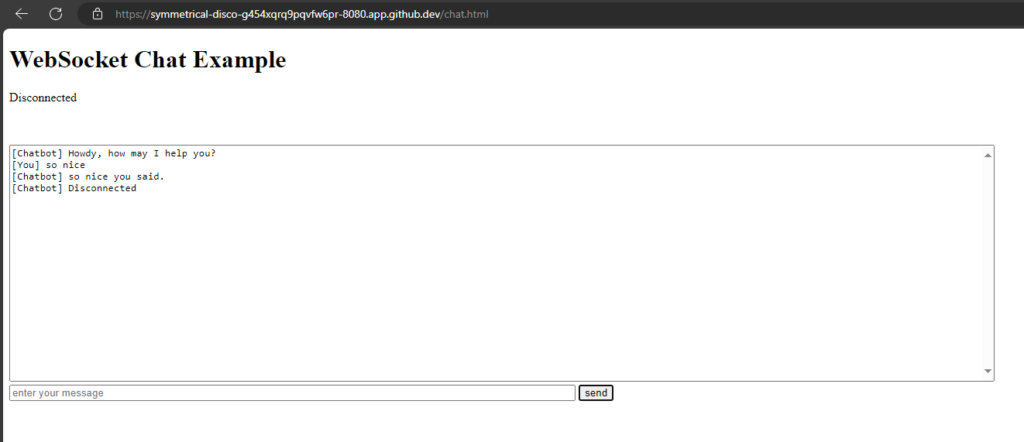
                    $("#chat").append("[Chatbot] Disconnected" + "\n");
                    scrollToBottom();
                };
                socket.onerror = function(error) {
                    console.log("Error: " + error.message);
                    $("#message").text('Error: ' + error.message);
                    $("#chat").append("[Chatbot] Error: " + error.message + "\n");
                    scrollToBottom();
                };
            }
        };

        var sendMessage = function() {
            if (connected) {
                var value = $("#msg").val();
                console.log("Sending " + value);
                $("#chat").append("[You] " + value + "\n")
                socket.send(value);
                $("#msg").val("");
            }
        };

        var scrollToBottom = function () {
            $('#chat').scrollTop($('#chat')[0].scrollHeight);
        };

    </script>
</body>
</html>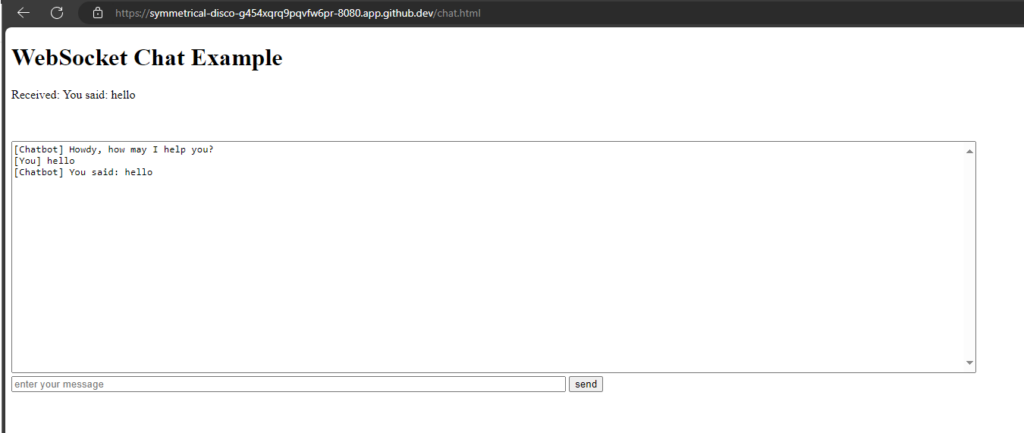
CONTEXTS AND DEPENDENCY INJECTION Example
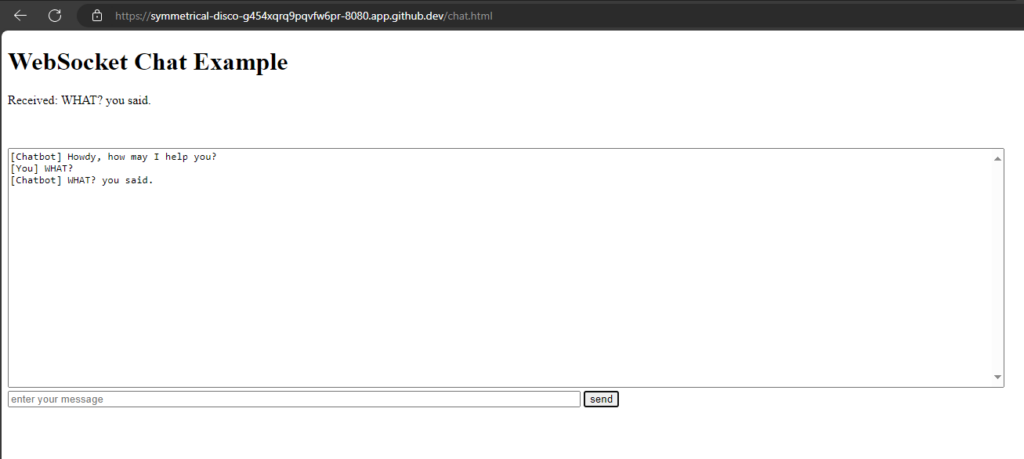
Add a ChatService for the 'logic' and inject it into the Chat Socket:
package org.acme;

import io.quarkus.runtime.StartupEvent;
import jakarta.enterprise.context.ApplicationScoped;
import jakarta.enterprise.event.Observes;

@ApplicationScoped
public class ChatService {
    protected void startup(@Observes StartupEvent event) {
        System.out.println("Startuuuuuuuuuup event");
    }

    public String chat(String message) {
        return message + " you said.";
    }
}
package org.acme;
import io.quarkus.websockets.next.OnTextMessage;
import io.quarkus.websockets.next.WebSocket;
import jakarta.inject.Inject;
@WebSocket(path = "/chatsocket")
public class ChatSocket {
@Inject
ChatService chatService;
@OnTextMessage
public String onMessage(String userMessage){
return chatService.chat(userMessage);
}
}

Build and run native Image
Building a Native Executable - Quarkus
Build:
# Ich muss vermutlich nur den zweiten Befehl ausführen?
# ./mvnw install -Dnative
./mvnw package -Dnative -Dquarkus.native.container-build=true -Dquarkus.container-image.build=true
Open another terminal and see how much codespace machine is sweating:
htop
Run:
target/workshop-1.0.0-SNAPSHOT-runner
The project generation has provided a Dockerfile.native-micro in the src/main/docker directory.
# build
docker build -f src/main/docker/Dockerfile.native-micro -t deringo/workshop .

# run
docker run -i --rm -p 8080:8080 deringo/workshop